What AI automation actually looks like for a 10-person business
Forget the hype. For a small business, AI automation usually means taking one repetitive task off someone's plate. Here's what that looks like, what it costs in effort, and where to start.
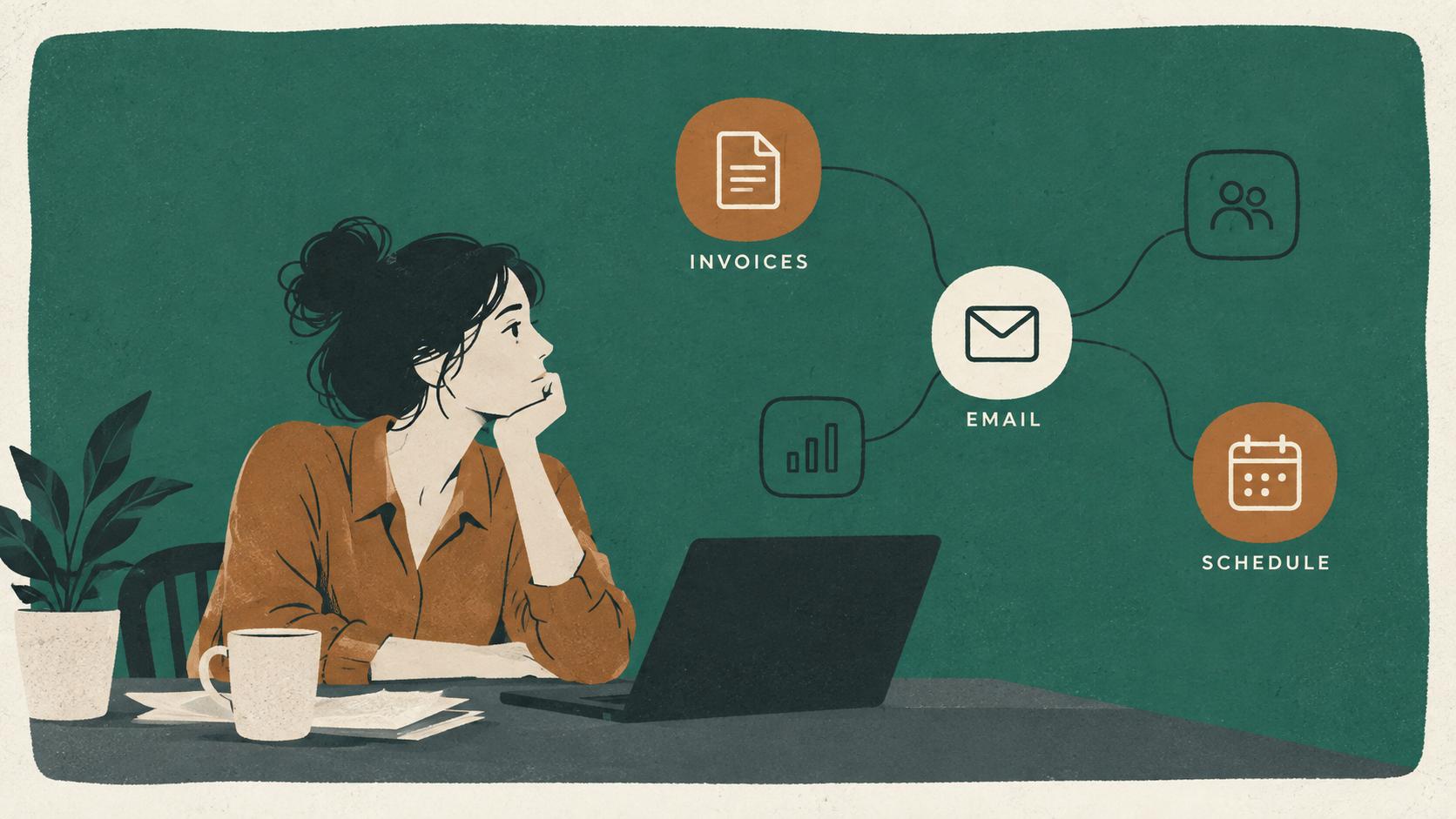
Most of what’s written about AI is aimed at large companies or at people selling something. If you run a business with ten or so employees, the useful version is much less dramatic and much more practical: fewer hours spent on the same tedious tasks every week.
What is AI automation, in plain terms?
It’s software that handles a repetitive task from start to finish, with AI covering the parts that used to need a person to read or write something. Traditional automation could already move data from one system to another when the data was neat and predictable. AI extends that to messier work: reading an email and working out what it’s asking for, pulling the totals off a PDF invoice, or writing a first draft of a reply.
The key word is task. Good AI automation projects start with one specific, repeated piece of work, not with “use more AI.”
What does it look like day to day?
Usually, something that used to take someone twenty minutes now shows up already done, waiting for a quick check. A few typical examples from small offices:
- Inquiries. A new web form or email arrives. It gets summarized, tagged (quote request, existing customer, vendor, spam), and sent to the right person with a suggested reply already drafted.
- Invoices and receipts. Supplier invoices that arrive as PDFs are read automatically, and the vendor, date, amount, and job number are entered into your accounting system for someone to approve.
- Proposals. A first draft of a proposal is assembled from your past proposals, standard language, and current pricing, so your team starts from a solid draft instead of a blank page. (More on using AI to draft RFPs and proposals.)
- Meeting follow-up. After a client call, notes, action items, and a follow-up email are drafted and waiting.
- Onboarding. When a new client or employee is added, the right checklist, documents, and reminders go out on schedule.
In each case, a person still makes the decisions. The automation takes away the copying, retyping, and starting from scratch.
Do you need new software to do this?
Usually not. Most small-business automation runs on tools you already pay for. If you use Microsoft 365, Power Automate is likely already included. If you use Google Workspace, there are equivalents. Services like Zapier and Make connect thousands of common apps (QuickBooks, HubSpot, Gmail, Outlook, most scheduling tools) and have affordable plans for small teams.
The AI piece is typically a business-grade AI model plugged into that flow. The cost is usually a modest monthly subscription or usage fee, not a big software purchase.
How do you pick the first thing to automate?
Pick the task that’s frequent, boring, and easy to check. Ask your team what they do every day or every week that feels like pure repetition. Good first candidates share three traits:
- It happens often. Daily or weekly, not twice a year.
- It follows a pattern. The steps are roughly the same each time, even if the inputs are messy.
- Mistakes are easy to catch. Someone reviews the result before it matters, so an error costs a minute, not a client.
Proposal drafting, invoice entry, and inquiry sorting tick all three boxes for a lot of businesses. Anything that directly moves money or makes a promise to a customer without review is a poor first choice.
How much time does it actually save?
It depends entirely on how often the task happens and how long it takes now, which is why it’s worth measuring first. Before building anything, time the task for a week: how many times it happens and roughly how long each one takes. That gives you an honest before number, and makes it easy to judge afterward whether the automation earned its keep.
Be skeptical of anyone who quotes you a savings figure before they’ve looked at how your business actually works.
What are the risks?
The main ones are sensitive data going somewhere it shouldn’t, and people trusting output they didn’t check. Both are manageable:
- Data. Use business versions of AI tools with clear data-protection terms, and don’t send sensitive customer, patient, or financial information through consumer tools. A short written AI-use policy helps staff know what’s fine and what isn’t.
- Accuracy. AI can write something confident and wrong. Build a human review step into anything customer-facing, and keep it there.
- Brittleness. Automations can break when a connected app changes. Someone should know how the automation works and get an alert when it fails.
Does your staff need training?
Yes, and it’s often the highest-value part. Many people are already using AI tools on their own, inconsistently and sometimes with data they shouldn’t. An hour or two of hands-on training, using your team’s own real tasks as the examples, tends to pay off quickly: people learn what the tools are good at, where they fall down, and what your policy says.
Where should you start?
Write down the three most repetitive tasks in your business, time them for a week, and pick one. That’s the whole first step. From there, you or someone like us can map the steps, check which tools you already have, and build a small, reviewable automation for that one task. If it works, do the next one.
This is the kind of work we do for businesses across Southeastern Pennsylvania, from picking the first task through building it and training the team. If you’d like to talk through what might work in your business, get in touch.